
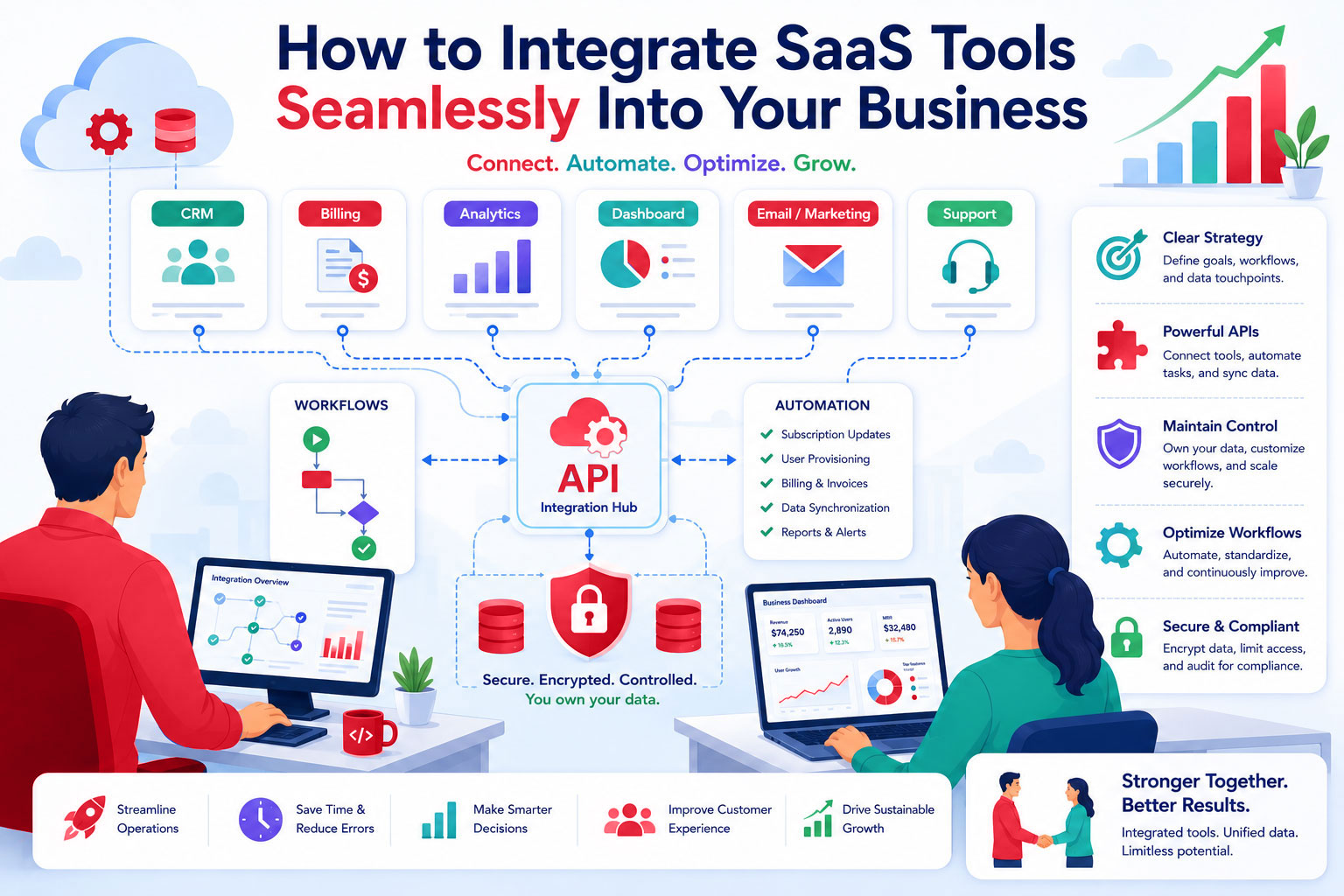
In today’s fast-paced business environment, running a SaaS operation efficiently often means using multiple tools such as CRM, billing, analytics, dashboards, and more. The key to success isn’t just choosing great tools; it’s integrating them in a way that streamlines workflows, enhances productivity, and supports business growth.
This guide provides practical strategies for connecting SaaS platforms, APIs, and workflows while maintaining control, security, and clarity.
Start with a Clear Integration Strategy
Before you connect any tools, take a step back and define your goals:
- Which processes need automation or simplification?
- Which platforms must communicate in real-time versus batch updates?
- Where are your critical data touchpoints, and how can they stay accurate across systems?
Having a clear integration strategy ensures that each connection is purposeful and supports your long-term business objectives.
Leverage APIs to Build Cohesive Workflows
APIs are the backbone of modern SaaS integration. With proper API usage, you can:
- Automate repetitive tasks like billing, subscription updates, or user provisioning
- Synchronize data across multiple platforms to maintain accuracy
- Enable seamless reporting by connecting analytics tools with dashboards
When choosing a platform or vendor, prioritize those with well-documented, reliable APIs. This ensures your integrations are robust and easy to maintain.
Maintain Control and Ownership
Integration doesn’t mean losing control. A professional self-hosted SaaS platform allows you to:
- Keep ownership of customer data while sharing only what’s necessary with connected tools
- Customize workflows to fit your business logic, not the other way around
- Scale integrations without compromising security or performance
Maintaining control ensures that your integrations enhance efficiency without creating dependency or risk.
Optimize Workflows for Efficiency
Once your tools are connected, review how your teams interact with them:
- Identify bottlenecks or duplicated steps that can be automated
- Standardize processes to ensure consistency across departments
- Monitor and adjust integrations as your business evolves
A seamless workflow doesn’t just save time; it empowers teams to focus on high-value tasks and delivers a better experience for customers.
Prioritize Security and Compliance
Connecting multiple platforms can increase complexity, but with the right approach, security and compliance remain strong:
Ensure sensitive data is encrypted and access-controlled
Limit third-party integrations to only trusted systems
Audit workflows periodically to verify compliance with industry standards
Professional platforms often include built-in tools to simplify security management, giving you confidence while scaling operations.
Leadership Perspective
Leaders who approach SaaS integration strategically gain a competitive edge. By prioritizing efficiency, clarity, and long-term scalability, you’re not just connecting tools, you’re building a business ecosystem that supports growth, customer satisfaction, and operational excellence.
Integration becomes an investment in your business’s future, rather than just a technical exercise.