
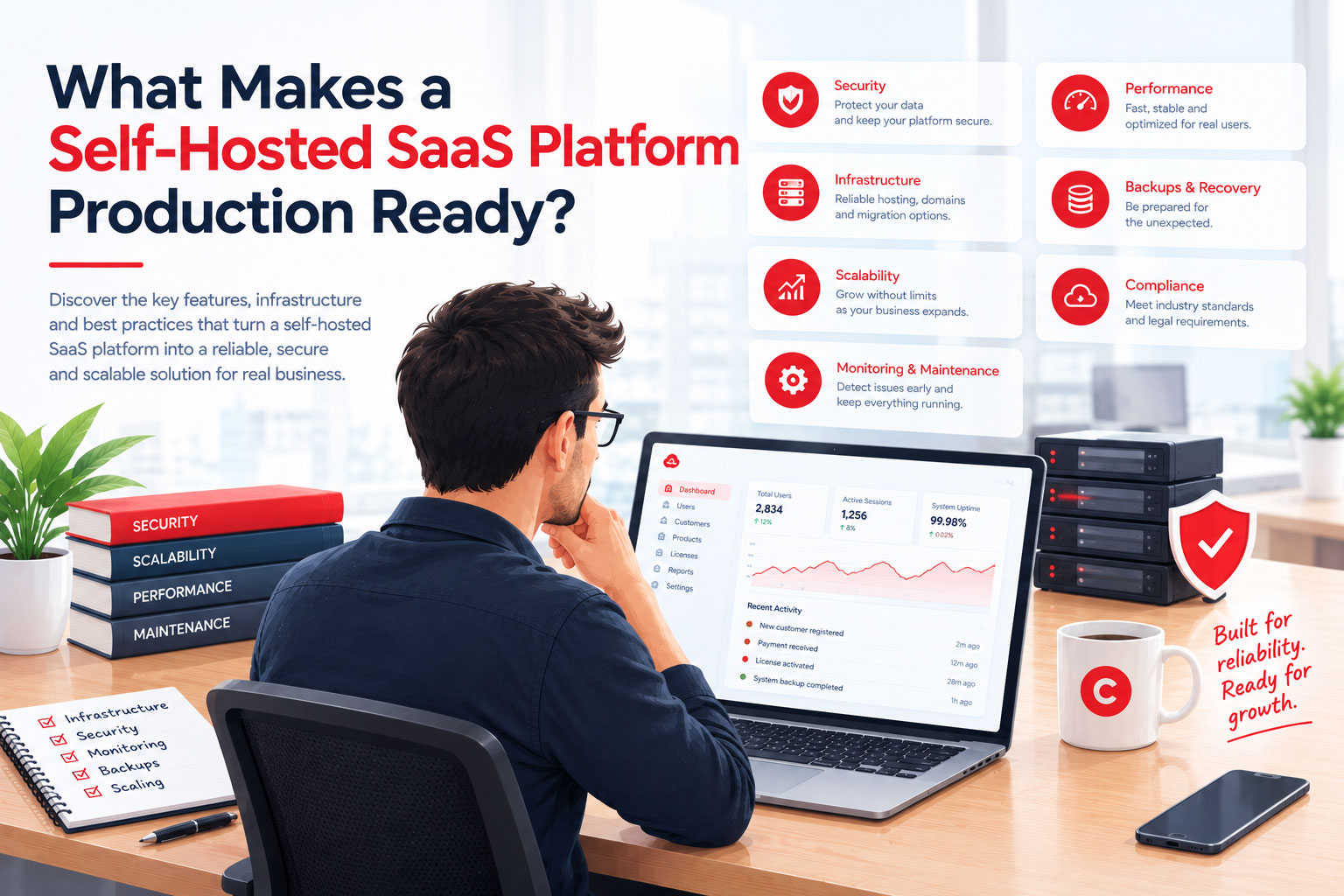
Launching a self-hosted SaaS platform is an important milestone, but having software that works in a demo environment is very different from operating a reliable business in production. Once real customers begin registering, making payments, storing information, and relying on your services, the expectations change. Performance, security, maintenance, and operational stability become essential parts of the customer experience.
For founders, developers, and businesses investing in a ready-licensed SaaS platform, understanding production readiness before purchasing or launching can prevent unnecessary expenses and technical setbacks. The goal is not simply to find software with an impressive list of features. It is to choose a solution that can be deployed responsibly, maintained consistently, and developed into a sustainable business.
This guide explores the essential qualities that distinguish a production-ready self-hosted SaaS platform from software that is only suitable for testing or experimentation.
Start with a Stable Technical Foundation
Every reliable SaaS business begins with an architecture suited to its operational requirements. A platform should use established technologies, provide clear installation instructions, and work within a defined hosting environment. These fundamentals make deployment easier and help developers understand how the application behaves when running on a live server.
Before choosing a platform, evaluate the following technical considerations:
- Documented system requirements: PHP versions, database requirements, server extensions, and other dependencies should be clearly specified.
- Compatible hosting environments: The application should work with supported production configurations rather than relying exclusively on a developer's local machine.
- Maintainable architecture: A structured codebase makes troubleshooting, customization, and future development more manageable.
- Reliable database management: Data models, migrations, and database operations should be organized to support consistent application behavior.
- Clear deployment procedures: Installation, environment configuration, permissions, and essential setup steps should be documented.
A strong technical foundation does not eliminate every deployment challenge, but it provides a more predictable starting point. Instead of spending valuable time resolving undocumented dependencies, you can focus on configuring the platform around your business model.
Make Security a Production Requirement
Security must be considered before a platform begins handling real customer information. A development environment can tolerate temporary configurations and test credentials, but a production application needs deliberate safeguards for authentication, authorization, data handling, and administrative access.
When evaluating a self-hosted SaaS solution, look for security features and practices such as:
- Secure authentication: Account access should be protected through appropriate password policies and additional authentication options where available.
- Role-based permissions: Administrators, staff members, and customers should have access only to the functions and information required for their roles.
- Protected application configuration: Database credentials, API keys, and other secrets should not be exposed through publicly accessible files or repositories.
- Secure communications: HTTPS should protect information transmitted between the application and its users.
- Input validation and access checks: The application should validate incoming data and verify permissions before allowing sensitive actions.
- Maintenance and security updates: A clear update process helps operators address vulnerabilities and keep dependencies current.
Production readiness also depends on how these features are configured after installation. A platform may provide useful security controls, but administrators must still use strong credentials, configure the server correctly, restrict access, and keep the application maintained.
Evaluate Performance Under Realistic Conditions
A SaaS application can appear fast when only one person is using it. Performance becomes more complicated as customer accounts, database records, file storage, and background operations increase. A production-ready platform should have a reasonable performance foundation and provide opportunities to identify and address bottlenecks before they affect customers.
Several factors deserve particular attention during evaluation:
- Efficient request handling: Routine operations should not consume excessive server resources without a clear reason.
- Database optimization: Appropriate queries, indexing, and data access patterns help maintain responsiveness as records grow.
- Asset and file management: Large uploads, downloads, and generated documents should be handled in a way that fits the available infrastructure.
- Background processing: Time-consuming tasks, where supported, should be managed appropriately so they do not unnecessarily delay normal user interactions.
- Capacity planning: Hosting requirements should reflect expected traffic, concurrent usage, storage needs, and the type of work the application performs.
It is equally important to distinguish between a platform that is optimized for efficient hosting and one that has been proven to support a specific number of users. Actual capacity depends on the application, server configuration, workload, and usage patterns. Load testing and monitoring provide more useful evidence than broad performance claims.
Confirm That Backups and Recovery Are Practical
Even well-maintained systems can experience hardware failures, accidental deletions, configuration mistakes, or other disruptions. A production-ready SaaS business needs a recovery strategy that protects essential information and establishes a clear path back to normal operations.
Before launching, determine how you will protect and recover:
- Customer records and application databases.
- Uploaded files, generated documents, and other important assets.
- Application configuration and deployment settings.
- Licensing, billing, and subscription records, where applicable.
- Critical documentation needed to restore the environment.
Backups should be stored securely, with access restricted to authorized personnel. Keeping a copy on the same server as the live application may not provide adequate protection against server failure or account compromise, so consider an independent storage location.
Most importantly, test the restoration process. A backup is only useful when the data can be recovered successfully and within an acceptable timeframe. Establishing recovery objectives early helps you make informed decisions about backup frequency, storage, and the level of downtime your business can tolerate.
Look for a Clear Maintenance and Update Process
Software ownership includes responsibility for keeping the application compatible, secure, and functional as its environment changes. A platform that works today may eventually need updates for newer server versions, revised third-party APIs, security improvements, or changing customer expectations.
Before purchasing a self-hosted SaaS platform, understand how ongoing maintenance is handled. Review the vendor's update policy, the availability of technical support, and the process for applying new releases. If support or updates require renewal, establish what is included, how long the initial coverage lasts, and what happens when that period ends.
A dependable maintenance process should account for:
- Documented release notes and version information.
- Security fixes and compatibility improvements.
- Instructions for applying updates safely.
- Database migrations and configuration changes, when required.
- A backup and rollback plan before significant upgrades.
- Clear support terms and channels for technical questions.
It is also wise to test major updates in a staging environment before applying them to the live application. This creates an opportunity to identify compatibility issues without unnecessarily disrupting customers. Regular maintenance becomes much easier to manage when update procedures are documented and incorporated into normal operations.
Ensure Monitoring and Error Reporting Are Available
Production systems require visibility. Without monitoring, a business may not discover an application error, a failing background task, or an increase in response times until customers begin reporting problems. A reliable operating process helps teams identify issues early and understand what needs attention.
Depending on the platform and hosting environment, useful monitoring capabilities may include:
- Availability monitoring: Checks that the application remains reachable.
- Performance tracking: Measures response times, resource consumption, and other relevant indicators.
- Error logging: Records application failures and exceptions in a way that supports investigation.
- Server monitoring: Tracks CPU, memory, disk space, and other infrastructure resources.
- Background task monitoring: Helps identify failed queues, scheduled jobs, or other automated processes.
- Alerting: Notifies the responsible person when an important threshold or failure condition is detected.
Not every platform needs an extensive monitoring suite from the beginning. A smaller business can start with essential uptime checks, application logs, server metrics, and reliable notifications, then expand its monitoring as its operational needs grow.
Check That Essential Business Workflows Work End to End
Technical stability is only one part of production readiness. A SaaS platform also needs to support the complete customer journey, from registration and onboarding to payments, account management, and ongoing service delivery. Individual features may work correctly in isolation while problems remain in the way those features interact.
Before launching, test the workflows that customers and administrators will use most frequently:
- Account registration, email verification, login, and password recovery.
- Subscription selection, checkout, payment confirmation, and renewal handling.
- Invoices, billing changes, cancellations, and relevant notifications.
- Customer dashboards, account settings, and access permissions.
- File uploads, downloads, exports, and other product-specific operations.
- Administrative tools for managing customers, content, settings, and support requests.
- Integrations with external services, including the handling of failed requests and expired credentials.
For payment processing in particular, verify how the platform handles unsuccessful transactions, duplicate webhook events, subscription changes, and cancellations. Test transactions should be used wherever the payment provider supports them. These scenarios are important because billing errors can affect revenue, customer confidence, and the amount of manual support required after launch.
A structured acceptance checklist gives you a repeatable way to confirm that the platform is ready for actual business operations rather than simply appearing complete during a demonstration.
Plan for Scalability Without Overengineering
A production-ready platform should support a sensible path toward growth, but that does not mean every new business needs complex infrastructure from day one. Deploying unnecessary services before they solve a real problem can increase costs, complicate maintenance, and make the system harder to operate.
A more practical approach is to understand the platform's current capabilities and identify how the architecture can evolve as demand increases. Consider whether you can expand server resources, improve database performance, introduce caching, move large files to suitable object storage, or separate selected background workloads when the need arises.
Useful questions to ask include:
- Can hosting resources be increased without rebuilding the entire application?
- Are storage requirements and file-handling limitations clearly documented?
- Can performance bottlenecks be measured before expensive infrastructure changes are made?
- Are integrations and scheduled tasks manageable as activity grows?
- Does the codebase allow qualified developers to extend functionality without unnecessary disruption?
The best scaling strategy depends on actual usage and business requirements. Start with a reliable configuration, measure how the application performs, and invest in additional infrastructure when evidence shows it is needed. This approach supports growth while keeping operational costs proportionate to the business.
Understand Documentation, Licensing, and Support
A platform can have a strong technical foundation and still be difficult to operate if its documentation is incomplete or its licensing terms are unclear. Production readiness includes understanding the commercial and operational conditions that apply to the software you are purchasing.
Review the documentation for installation, configuration, customization, troubleshooting, and updates. Confirm that the license permits your intended business model, including whether you can use the platform for a commercial service, modify its code, or charge customers for access. Do not assume that self-hosted automatically means unrestricted redistribution or ownership of every component.
Before committing to a purchase, establish the following:
- What rights the license grants and which restrictions apply.
- Whether source code is included and which third-party components have separate licenses.
- How long support is provided and which issues it covers.
- Whether updates are included indefinitely or require an active renewal.
- What documentation is available for developers and administrators.
- Whether the vendor provides a clear process for reporting issues and requesting assistance.
These details help you estimate the total cost of ownership and determine whether the platform fits your plans. Transparent licensing and accessible documentation make it easier to establish realistic expectations before the software becomes central to your business.
A Practical Production Readiness Checklist
Before opening your platform to customers, review each area below and address any gaps that could affect security, reliability, or the customer experience.
- Confirm that the hosting environment meets the documented requirements.
- Configure production credentials, HTTPS, permissions, and security controls.
- Test essential customer, payment, and administrative workflows.
- Set up automated backups and verify that restoration works.
- Establish application logging, uptime checks, and essential alerts.
- Review update procedures and create a safe maintenance plan.
- Check that support channels and operational documentation are accessible.
- Test expected workloads and identify likely performance bottlenecks.
- Confirm license terms, third-party dependencies, and renewal obligations.
- Document who is responsible for maintenance, incidents, and recovery.
This checklist can be adapted to the size and complexity of your business. A platform handling sensitive information or mission-critical transactions will require more extensive testing and operational safeguards than a small application with limited usage.
Building Confidence Before Your First Customer
Production readiness is not a single feature or a label attached to a software product. It is the result of combining a suitable technical foundation with secure configuration, reliable workflows, practical recovery procedures, consistent maintenance, and ongoing monitoring.
For founders choosing a ready-licensed self-hosted SaaS platform, the right starting point can significantly reduce the amount of infrastructure that must be assembled independently. However, the quality of the purchase should be evaluated alongside the work required to configure, test, and maintain the application in a real production environment.
A thoughtful evaluation helps you spend less time correcting avoidable problems and more time developing your product, serving customers, and building a sustainable business. When the software, hosting environment, and operational processes work together, you have a stronger foundation for delivering a dependable service and growing with confidence.